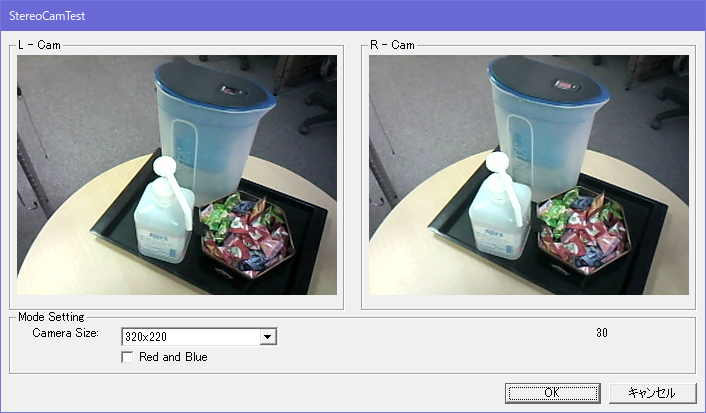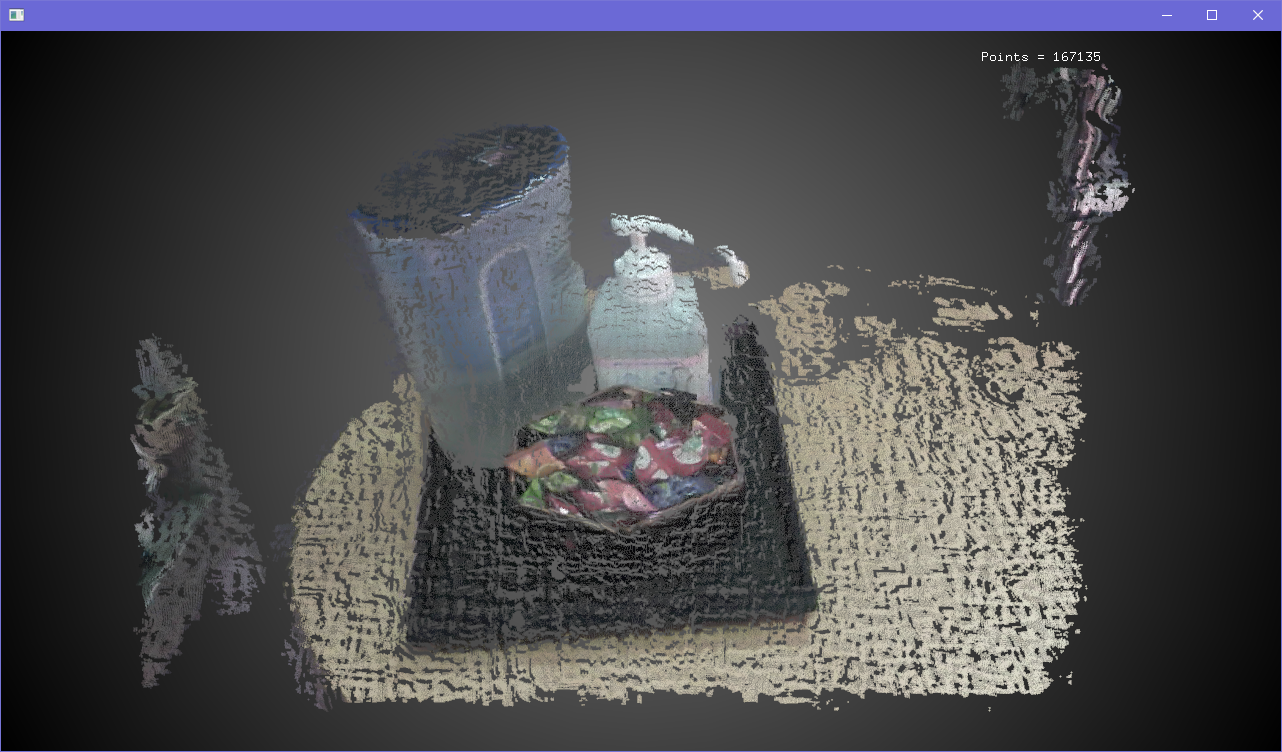


aeroTAP 3D USB GS
(6cm base line)
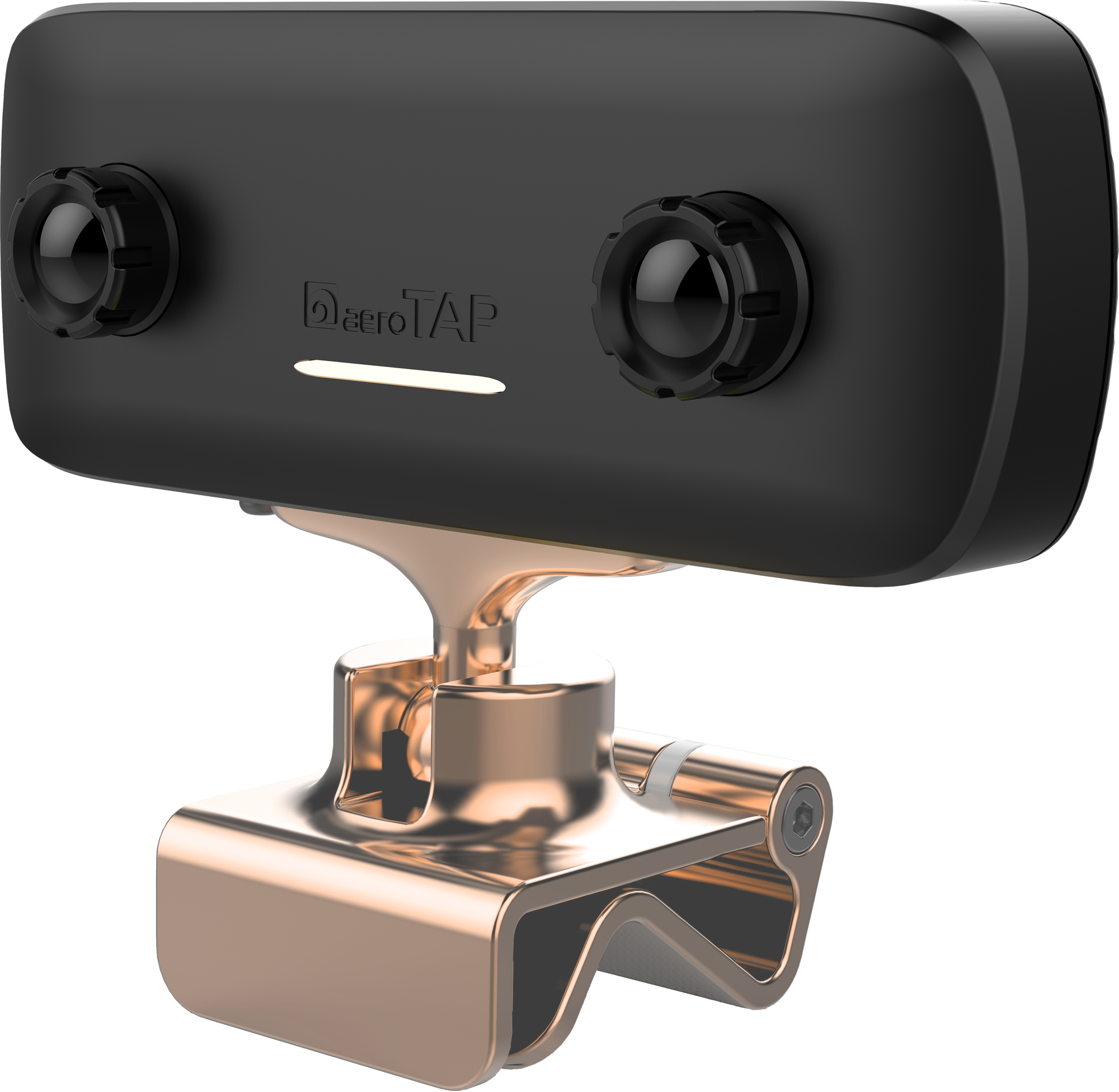
Recommended for 3D scanning.
Supports USB 2.0/3.0 but 3.0 is recommended.
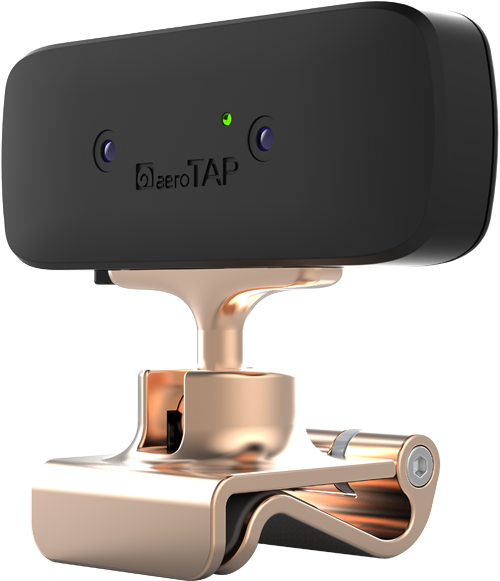
aeroTAP 3D USB G2
(3cm base line)
製品番号:
20210903-001
aeroTAP 3D USB
(3cm base line)
Recommended for touchless interface.
USB 2.0/3.0
aeroTAP DOE projector
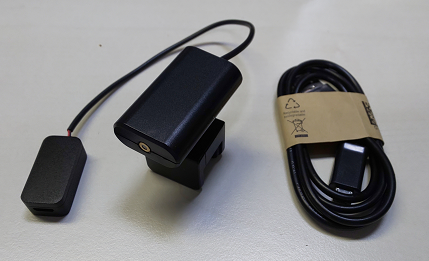
For environments that are dark and without texture.
USB2.0 power or from aeroTAP 3D GS camera.

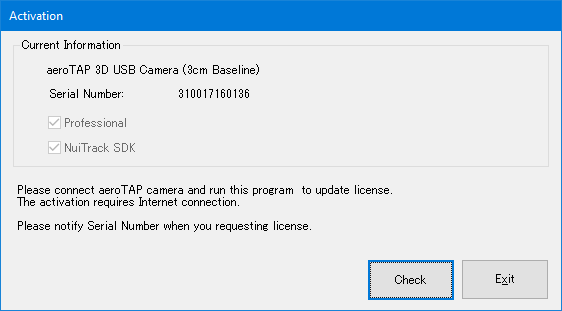 A license will be granted to the camera ( each camera will have different license).
After you download the Activation tool, activate the license for your camera with the following steps:
1. Run Activation program
2. Connect camera and check serial number
3. Click [Check] button to activate and apply the license
Important: You need to notify Serial Number when purchasing the license.
Important: Please create account information and register your device.
A license will be granted to the camera ( each camera will have different license).
After you download the Activation tool, activate the license for your camera with the following steps:
1. Run Activation program
2. Connect camera and check serial number
3. Click [Check] button to activate and apply the license
Important: You need to notify Serial Number when purchasing the license.
Important: Please create account information and register your device. - Product brochure
 aeroTAP evo brochure (Japanese PDF) aeroTAP evo brochure (English PDF) aeroTAP 3D USB Camera brochure (Japanese PDF) aeroTAP 3D USB Camera brochure (English PDF) aeroTAP evo brochure (English PDF) aeroTAP Signage brochure (Japanese PDF) aeroTAP Signage brochure (English PDF) aeroTAP Medical brochure (Japanese PDF) aeroTAP Medical brochure (English PDF) aeroTAP SmartCare Sensor brochure (Japanese PDF) aeroTAP SmartCare Sensor brochure (English PDF) aeroTAP SmartSurvey brochure (Japanese PDF) aeroTAP SmartSurvey brochure (English PDF) aeroTAP Aerial 3D Interface (English PDF)