

about aeroTAP...
What is aeroTAP?
aeroTAP is the project name for nextEDGE Technology’s Touchless Interface (aeroTAP evo) and 3D Sensor (aeroTAP 3D USB Camera).
aeroTAP evo enables intuitive touchless computer operation using natural hand gestures. It supports a wide range of applications, including remote operation, close-range interaction, and 3D control of aerial displays.
The aeroTAP 3D USB Camera is a stereo vision–based 3D sensor that provides accurate depth sensing for touchless interfaces and other advanced 3D applications.
aeroTAP evo Touchless Solutions
aeroTAP evo can offer variety of touchless solutions to meet target environment and usage.
■ Palm Tracking Mode
Basic solution for touchless operation from distance by hand.
■ Nearest Object Tracking Mode
Nearest Object Tracking for near range regardless of Palm.
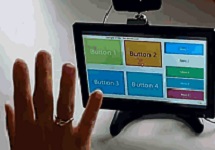
■ Virtual Touch Screen Mode ( VT Mode )
Seamless interface as Touch Screen by fingertip.
■ Others, Custom touchless solution using Palm or 3D object tracking
We provides custom app development using touchless engine.
aeroTAP evo Touchless Interface design concept
Minimum resource consumption
aeroTAP is a interface to connect a person and a device. The role for interface is to support the main figure such as the application. aeroTAP evo is designed to keep the resource consumption such as CPU of the computer as low as possible with an effective performance. It also provides intuitive touchless operation according to the type of content you use.
“Make it touchless with aeroTAP…“
aeroTAP will turn the existing application into a touchless system without the need of any development ( customization may be made ).
The resource consumption, which we recently measured, decreased compared to the previous results, while the performance increased. For example, Intel i3 CPU is 5%-10%, Intel i7 CPU is below 5%. In the idle state, Intel i3 is below 5% It can also be used with stick PCs and tablet PCs.
Simple operation and gesture definition
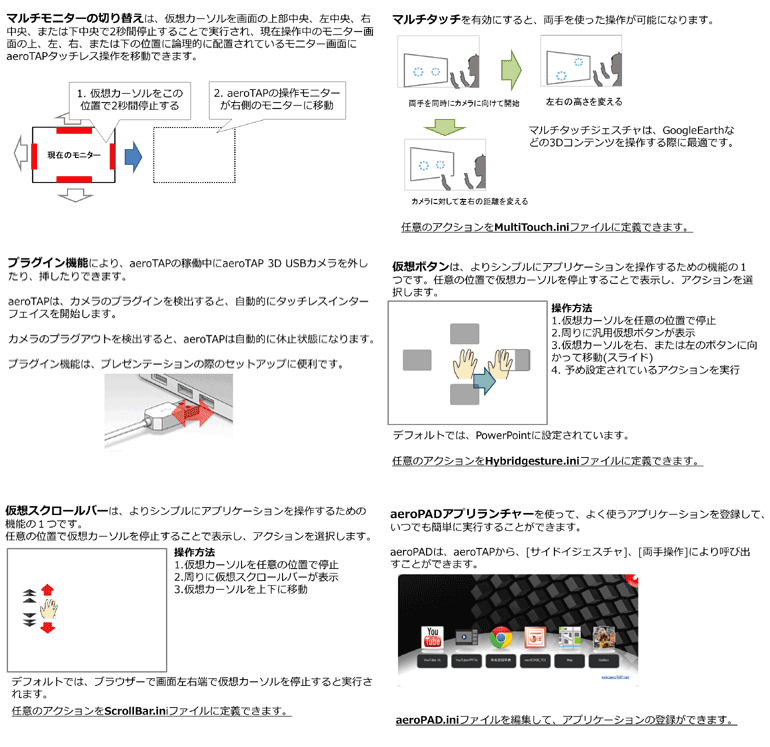
In addition to operation with mouse and keyboard, interface assistant features which will help you operate the application more easily and intuitively.
■ SideIn gesture will provide switching/closing applications or loading specific applications more easily.
■ Virtual button will make operation much easier.
■ Virtual scrollbar enables you to operate scroll up/down, zoom in/out action with one hand.
■ Palm gesture enables you to rotate, Flip and Tap and Drag with one hand.
Enabling touchless access
■ Web contents such as HTML/JavaScript
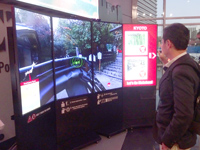
■ 3D Contents/VR contents developed by Unity
■ Touch Screen based application
■ Others makes more easy access to existing applications
他の方式との違い FAQ
■ 低CPU消費
他社3Dセンサーを使って同じようなことを行うとCPU消費は40%またはそれ以上になってしまい、アプリケーションへCPUを開放 できなくなります。
aeroTAP evoでは、手のひらトラッキング画像処理、3D処理を実行しながらCPU消費を4%(アイドル時)-15%(最大時)に抑えています。*Intel Core i3の場合
■ 既存のシステムをタッチレス化
多くの非接触ソリューションは、専用のコンテンツ(アプリケーション)と共に開発されて提供されています。時にはハードウェアも高性 能なものに限定されているのが現状です。コンテンツは、aeroTAP evoを使えばご自身で開発してそれをそのままタッチレス化することができます。
aeroTAP evoでは、Intel ATOM CPU, USB2.0があれば稼働できます。
■ USB2.0で接続可能
他社3Dセンサーで、USB2.0バスパワーのみで稼働可能なセンサーは恐らくないと思います。aeroTAP evoでは高性能PCは必要ありません。
■ 様々な利用用途に対応可能
aeroTAP evo アシスタンス機能を使えば、あらゆるコンテンツを片手で操作できます。
■ 手のひらトラッキング/仮想タッチスクリーン モードに対応
「タッチレス」と呼ばれる機能には、体や 手を使った「ジェスチャ操作」と、ボタンやタッチスクリーンを非接触で行う「非接触操作」の2つの方式があります。 「aeroTAP evo 」は、両方の機能を提供することができます。
aeroTAP evo Palm Tracking Mode
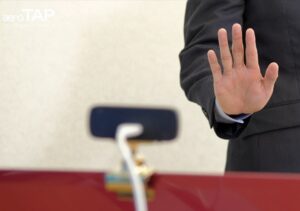
aeroTAP evo uses Palm Tracking and distance data to provide fast image processing. it provides palm tracking with very low CPU consumption.
■ Variety of ‘Click’ actions
You can assign Click actions to each content. Actions are: “Close to Click”, “Push to Click”, “Stop to Click”.
■ Wide range operation
From 50cm to 2.5M. By using Zoom feature, aeroTAP evo can provide long range touchless operation.
■ No development/modification needed
To start touchless operation, just connect aeroTAP camera and run aeroTAP evo.
■ Assistance features
User can add “Virtual Button”, “Virtual Scrollbar” to specific application to make operation simple.
aeroTAP evo Virtual Touch Screen Mode
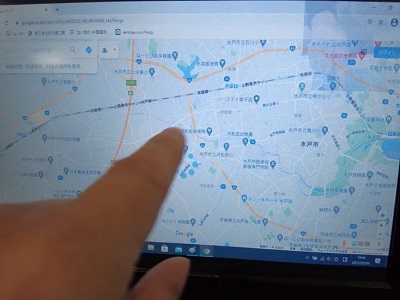
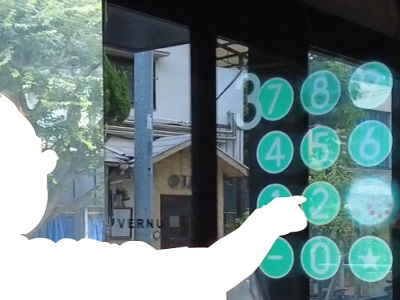
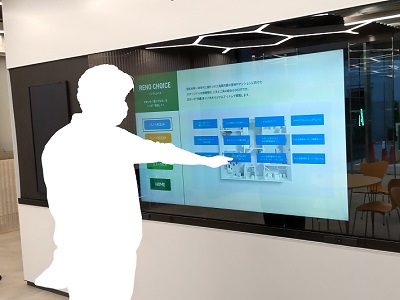
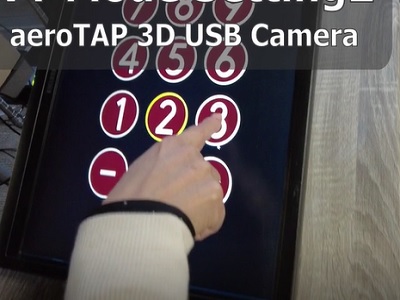
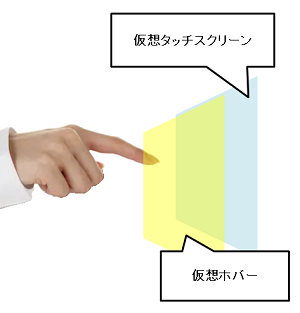
aeroTAP evo supports Virtual Touch Screen mode (VT Mode). User can define virtual touch screen within 3D space in camera view. It provides similar operation to touch screen “Gently tap the screen without physical contact”.
It also supports hover screen in front of virtual touch screen to improve visibility of where pointing.
VT Mode provides Mouse Event mode and Touch Event mode.
All assistance features such as virtual buttons, virtual scroll bar and gestures are also enabled. You can turn existing system to touchless system without making any modification to the system.
* This feature is for embedded purpose only. The calibration process is required to design virtual touch screen. It requires calibration process by technical support to individual target.
System Requirement
■ Windows 7, Windows 10/11 (32/64Bit)
■ aeroTAP 3D USB G2 Camera
■ aeroTAP 3D USB Camera(WVGA mode)
■ aeroTAP 3D USB GS Camera
Size of Virtual touch screen that can be used ( approximate )
■ aeroTAP 3D USB Camera, aeroTAP 3D USB G2 Camera
7inch~42inch ( portrait ) Display
■ aeroTAP 3D USB GS Camera (For large screen)
7inch~120inch Display (Maximum 2M from camera position)
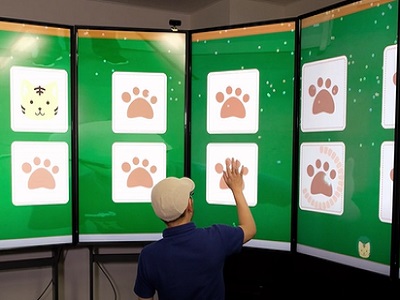
Support Curved screen, Cylinder screen
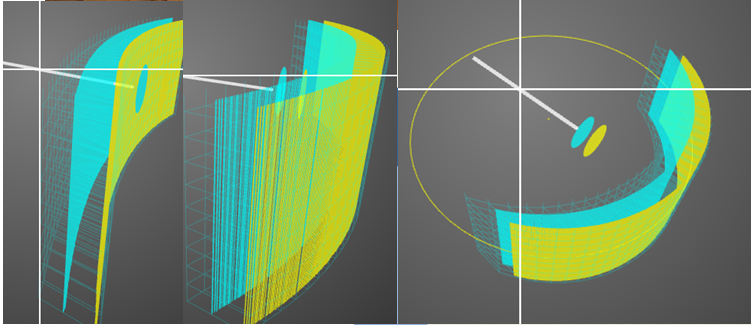
■ Not only flat screen, you can calibrate for Curbed screen, and Cylinder screen.
Below screenshot is from Calibration tool. ( Yellow place indicates virtual touch screen , blue plate is Hover plate))
aeroTAP Aerial 3D Interface
An user interface for intuitive and immersive manipulation of aerial images.
Designed for MIRAI BAR’s MIRAI PIX Aerial Display. You can operate the aerial image without obstructing the view.
Advantage:
■ Intuitive operation of 3D images reflected in the air
■ Intuitive operation while viewing content using the palm of your hand
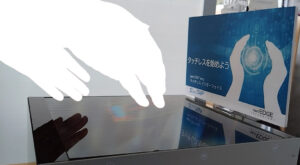
■ Please ask us to develop any 3D application development for your system
 aeroTAP Aerial 3D Interface (PDF)


aeroTAP touchless feature works conjunction with its operator detection
aeroTAP evo can be used to detect operator’s existence and position.
HumanSence application uses aeroTAP API and interact with human detection. Application will launch Presentation content like Browser, PowerPoint when a operator place the position. Then the operator can control page by touchless interface.
When no operator is existence, the application plays PV.
aeroTAP 3D USB camera can be used as People Counting using with Virtual Gate, and Virtual Sensor feature. It can be used for health care and surveillance system.
■ Please ask us to develop any 3D application development for your system

aeroTAP Target Industries and Usage
The touchless technology has applications across over the industries. We are eager to collaborate with you to expand the technology and opportunities.
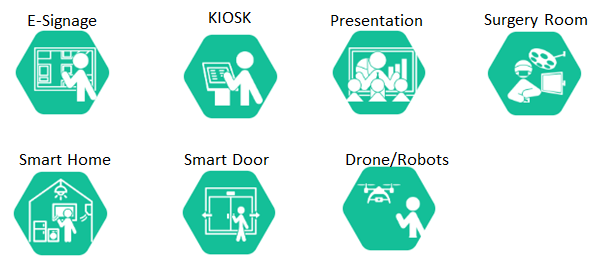
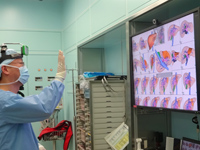
■ Advanced Medical Research needs to share digital information. In the surgical room, the surgeon and other staff can access computer without touching.
■ Smart Factory and Plant need touchless interface to access computer with dirty hand or grove.
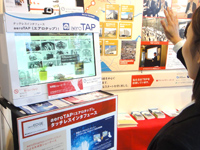
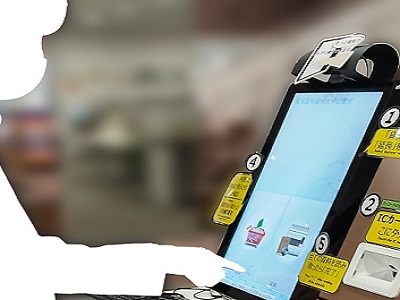
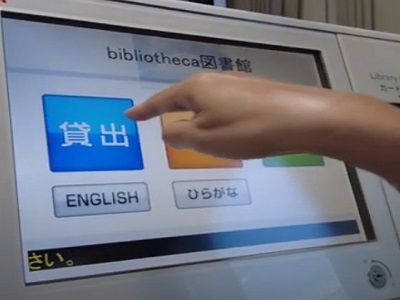
■ E-Signage, Kiosk terminal, public terminal device need touchless interface to keep it clean and safe.
■ Mirror Display, Air Display need touchless interface for user to provide immersive experience.
■ Auto-Door, Secured Door need touchless interface to provide more high secured system.
aeroTAP evo Photo Gallery